
Manual creation allows registering an object —Entity or Relationship— by directly filling in its metadata in the creation Wizard form. It is the recommended method for creating objects individually.
Required information
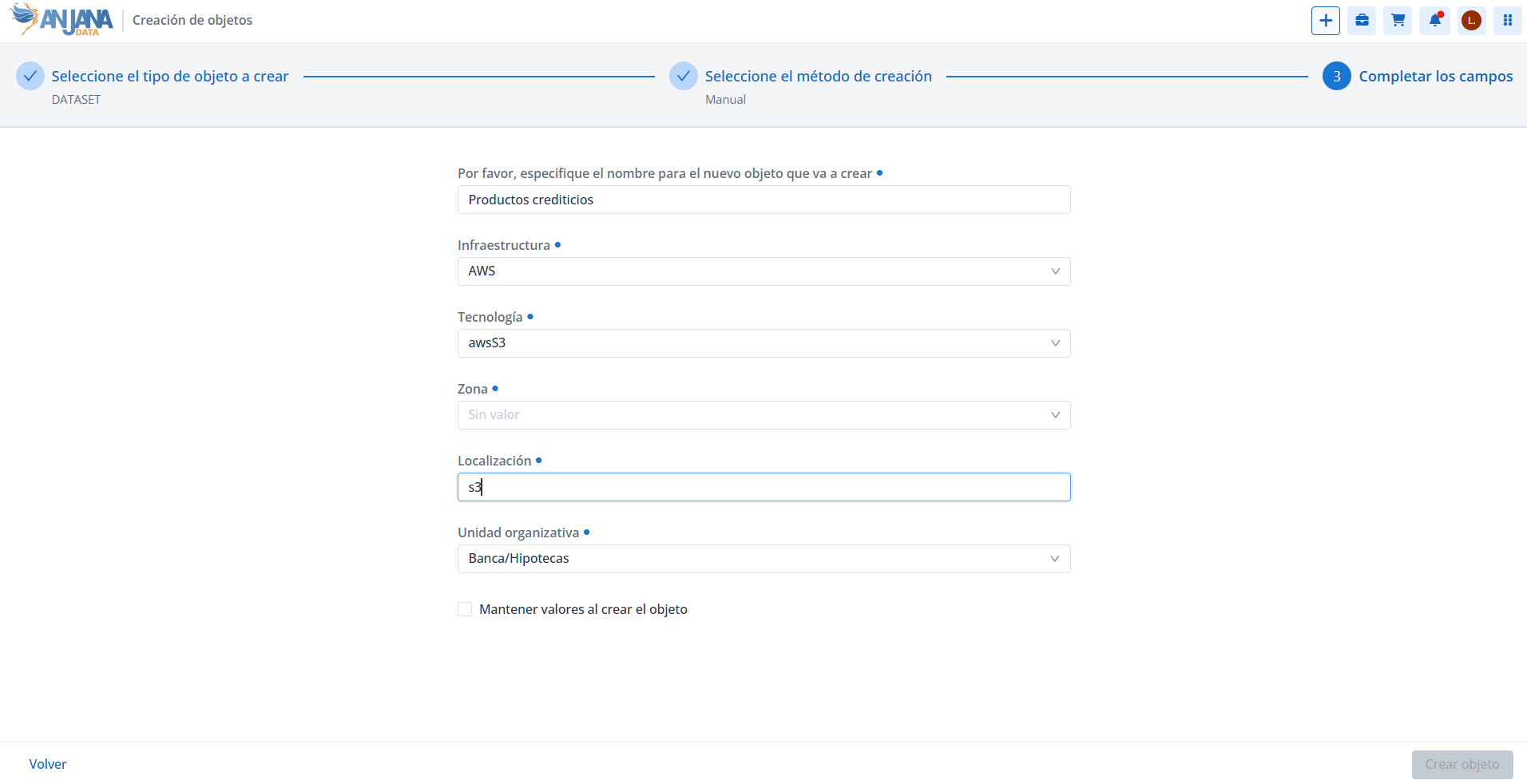
The form always requests the attributes that make up the primary key (PK) of the object, which are the ones that make up its ARI (Anjana Resource Identifier), the identifier with which each object is uniquely represented in Anjana Data Platform. These attributes are mandatory and vary depending on the subtype:
-
For entities, the PK/ARI attributes are defined for each subtype on the page (26.1-en) Entidades and on the pages of each entity type that hang from it.
-
For relationships, the PK/ARI attributes (name, source and target, plus the subtype and the source and target organizational units) are described on the page (26.1-en) Relación no nativa.
In addition to the PK attributes, the wizard may require other attributes —mandatory or optional— depending on the selected subtype and the validations configured in its template. In all cases:
-
Name (
name): is part of the PK. Names longer than 255 characters are not allowed; the platform warns the user if this maximum is exceeded. In addition, the name must not contain the:character, since it is the internal separator of the ARI components. -
Organizational unit: if the object being registered is an entity, the object must be associated with an organizational unit. The user can only create objects in the organizational units where their role has creation permissions for that subtype.
The attributes that make up the PK/ARI uniquely identify the object; once created, they should not be modified manually, as this would compromise the object's referential integrity. The details of this behavior are documented on the reference pages linked above.
Creating several objects in a row
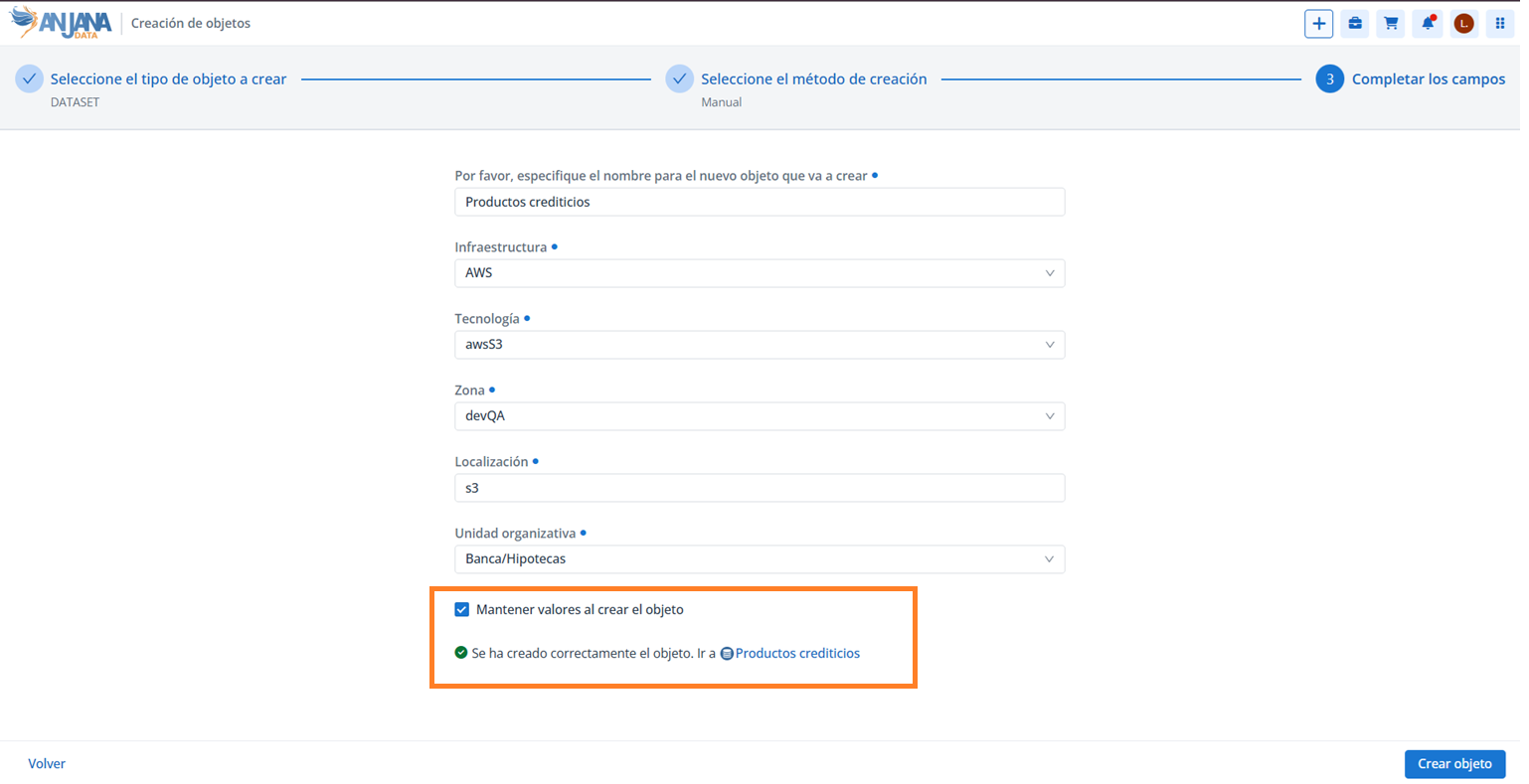
If you want to create several objects in a row, the wizard allows you to keep the values already entered in the form to help fill in the following ones.
Each time an object is created, a link appears below the form to navigate to the newly created object. These notices accumulate as objects are created continuously, always showing the last three objects created.
This section is mainly aimed at Data Portal users with creation permissions —for example, Data Stewards and Data Owners— who register assets individually.