
Access to the Anjana Data Platform Data Portal is done through the login screen (https://<domain>/login), from which the user can authenticate using any of the identity providers enabled in the installation.
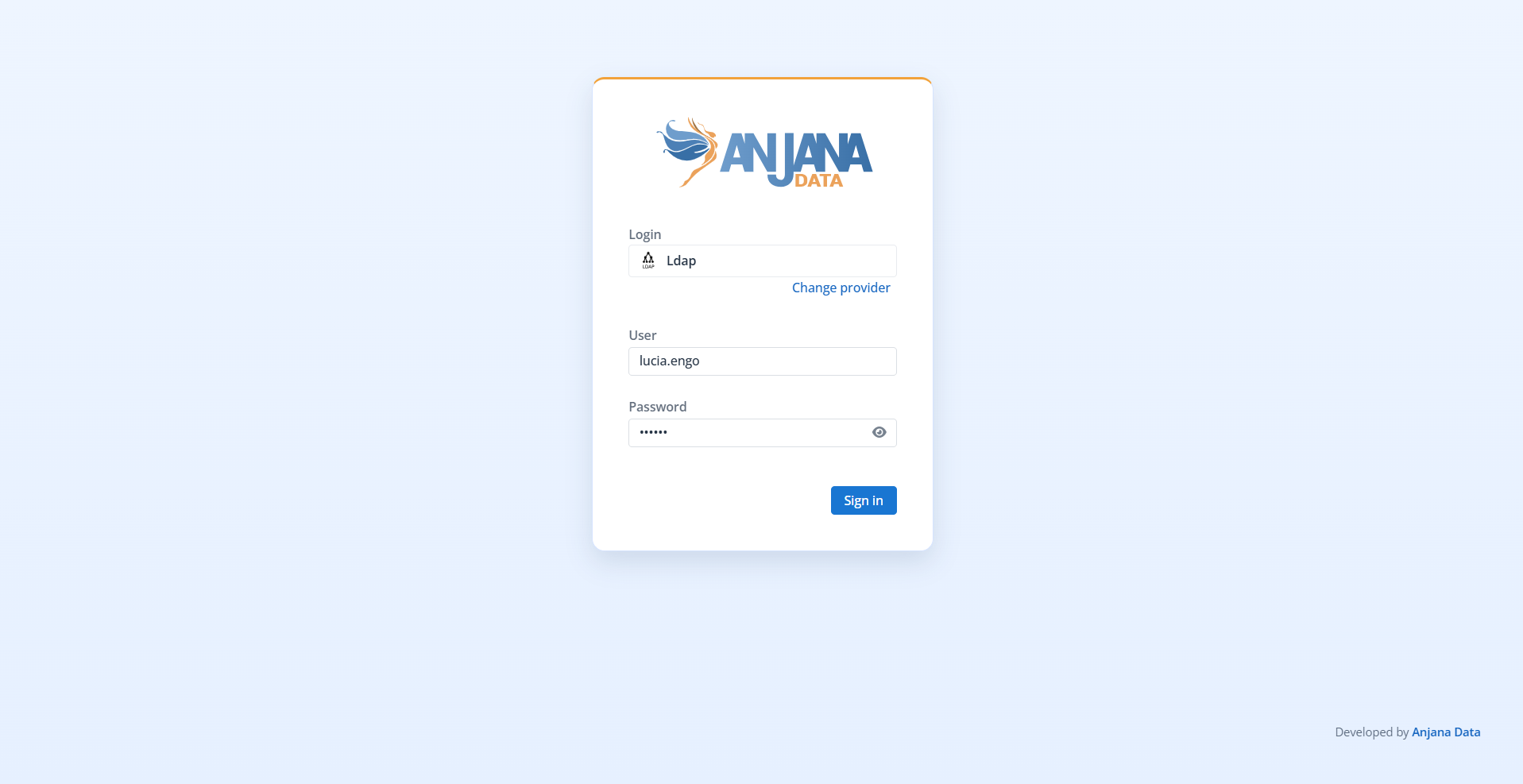
From the Data Portal (https://<domain>/login), you can also access the functionalities migrated to the new Administration Panel accessible from the navigation menu.
Access to the Administration Portal (https://<domain>/configpanel) follows the same logic as the Data Portal. The only difference is that a provider must always be selected explicitly, since there is no default provider configured for this environment.
Authentication options
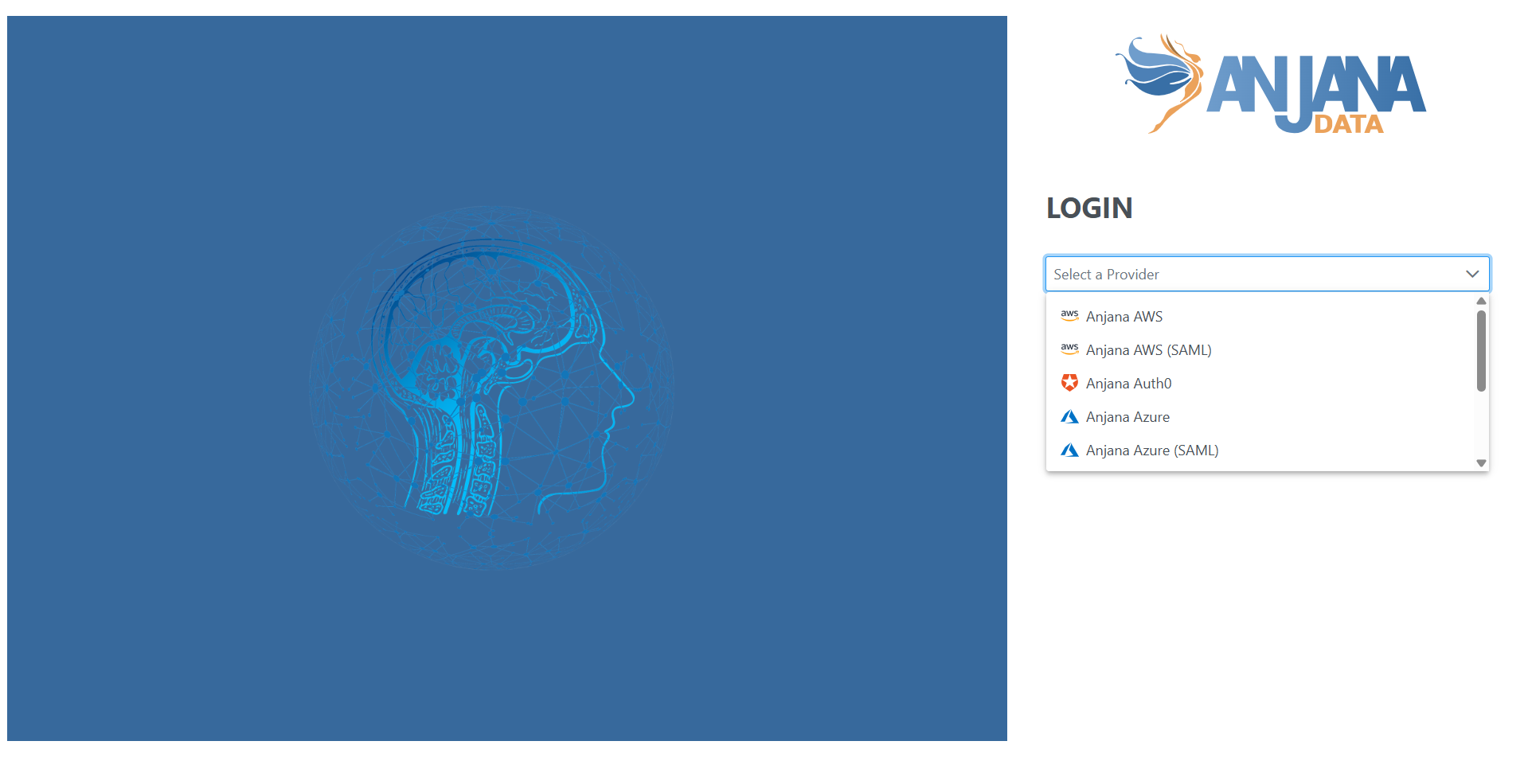
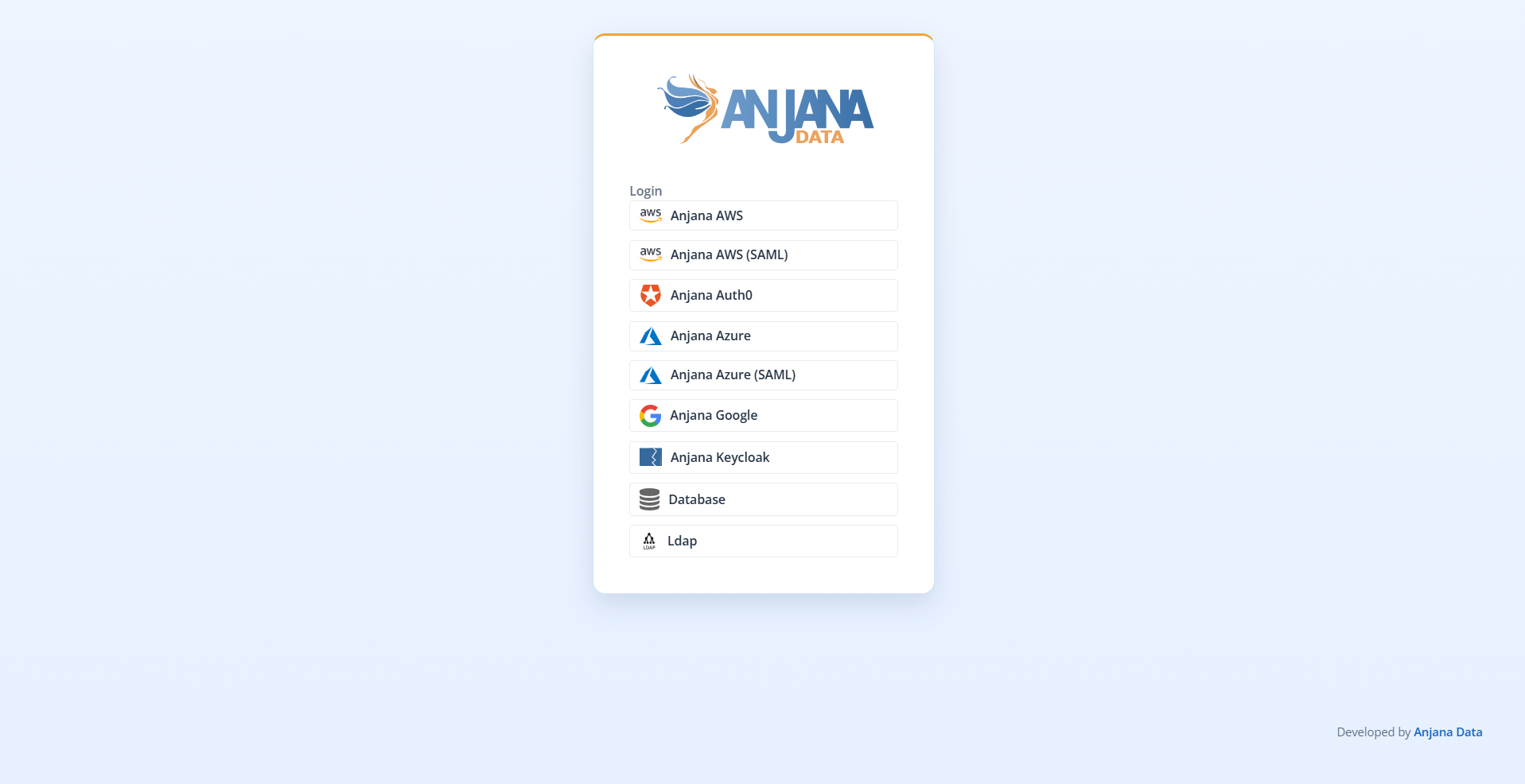
Access to the Data Portal and the Administration Panel is done from the login screen, which presents a selector of identity providers configured in the installation. Each provider belongs to one of the two authentication methods supported by Anjana Data Platform:
-
Authentication via assigned credentials, the user enters a username and password in the platform's own form; validation is performed against a corporate directory (AD/LDAP) or against the local database.
-
Authentication delegated to an external IdP, the platform delegates identity verification to an external provider using the OIDC or SAML 2.0 protocols (for example, Azure EntraID, Google IAM, AWS IAM, Okta, Auth0, or Keycloak).
Depending on the installation, the selector may show options such as: Database, AD/LDAP, Azure EntraID, AWS IAM, Google IAM, or others. In the Data Portal, the platform pre-selects the provider configured as the default option, although the user can choose another one before authenticating. In the Administration Panel, a provider must always be selected explicitly, since there is no default provider.
Passing authentication - through either method - only confirms the user's identity; effective access additionally requires being authorized (see "Common requirement: authorization via role with permissions").
Authentication via assigned credentials
This method applies when the selected provider requests credentials (username and password) directly on the Anjana Data Platform login screen. Depending on where these credentials are validated, two scenarios can be distinguished.
Corporate credentials (AD/LDAP)
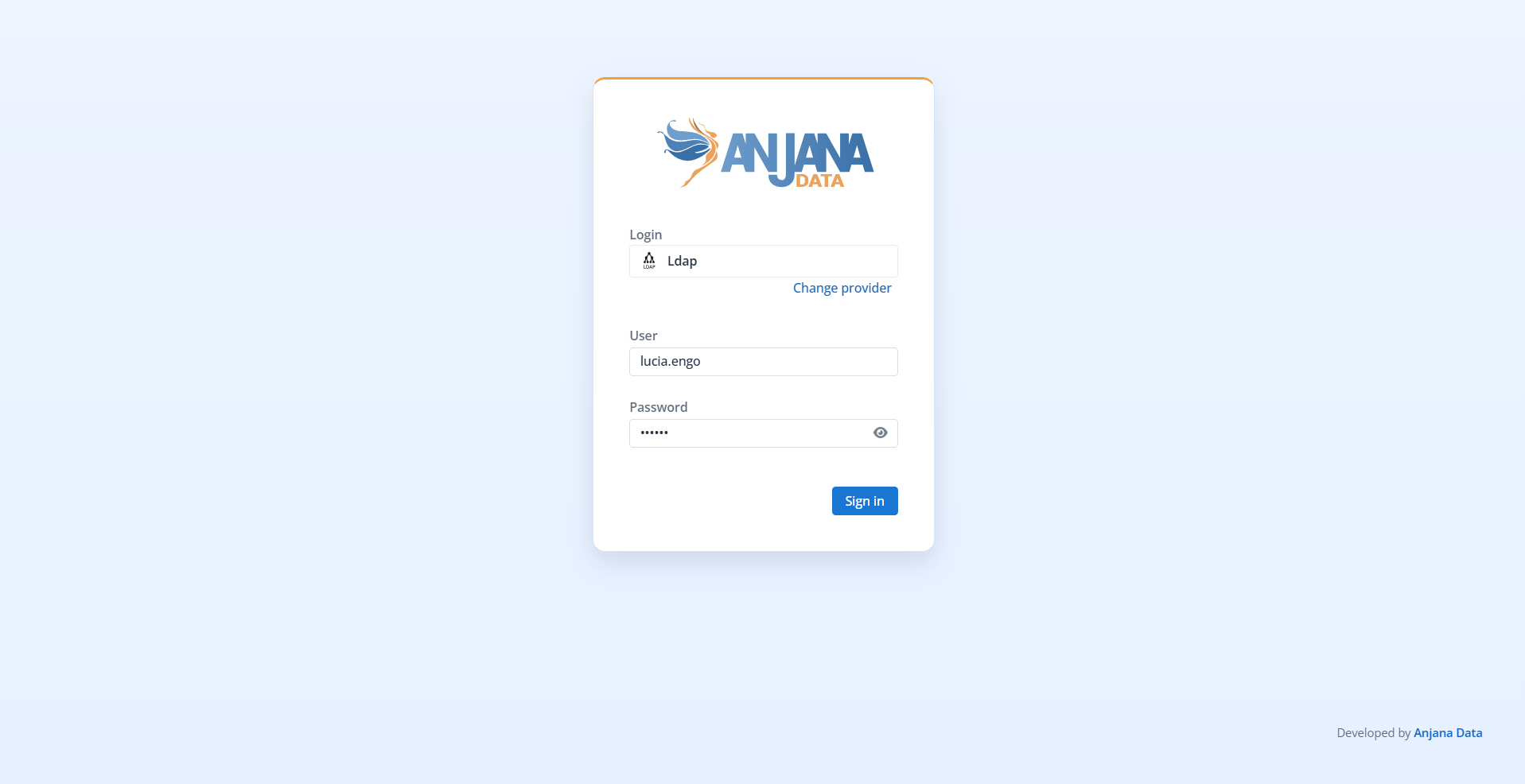
Anjana Data Platform delegates credential validation to a corporate directory (typically AD/LDAP). The user enters their corporate username and password on the platform's login screen, which verifies them against the directory. This differs from authentication delegated via SSO (OIDC or SAML 2.0), in which the user is redirected to the IdP and does not enter their credentials into Anjana Data Platform. For access to be possible:
-
Valid identity in the directory, the user must be registered and active in the corporate identity system against which validation is performed.
-
Registration in Anjana Data Platform, the user must also exist in the platform's database (manual registration or automatic provisioning synchronized with the directory).
-
Role with permissions, the user must have at least one role assigned - which may be the default role - that grants access permission.
Internal credentials (Database)
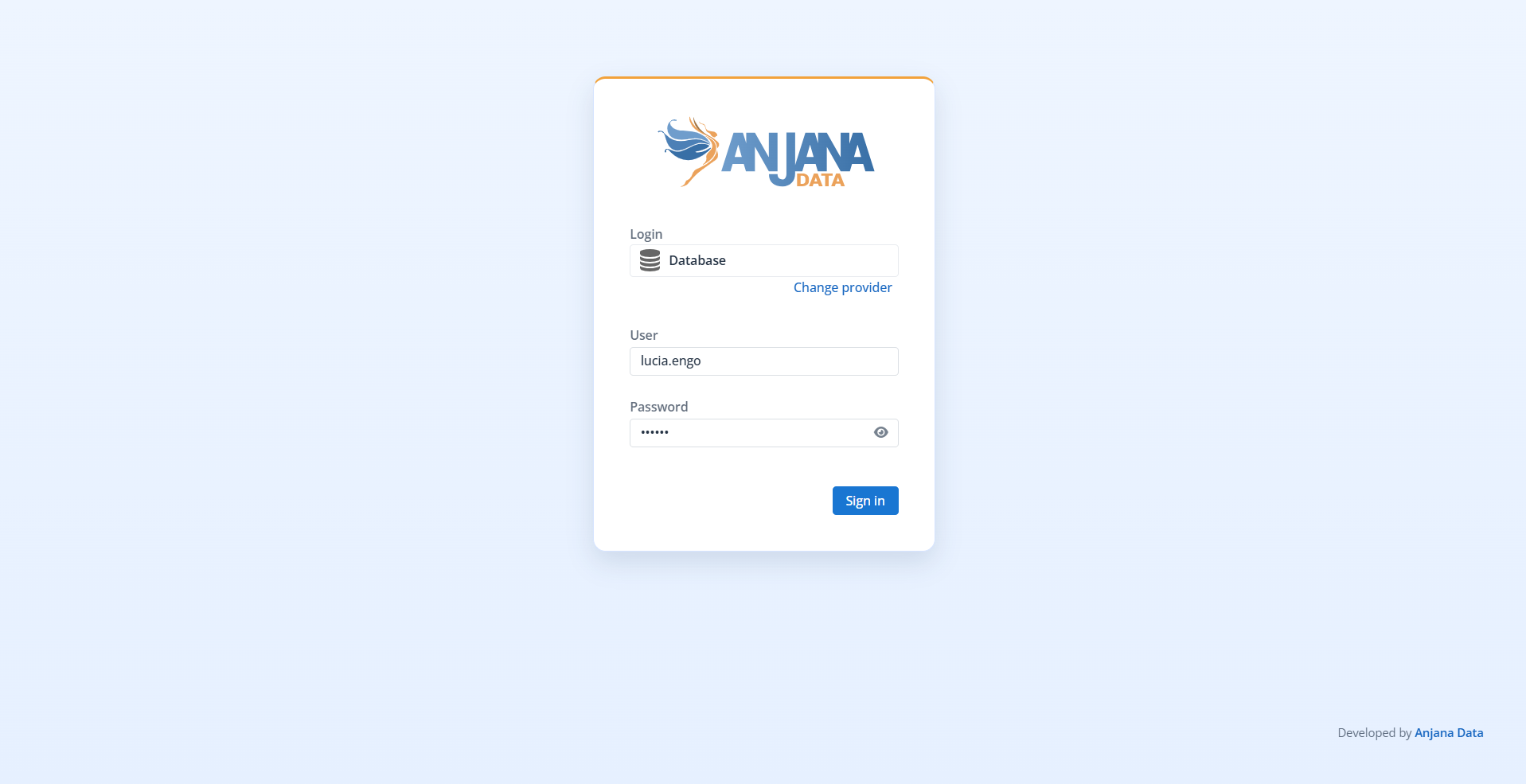
The Database provider is Anjana Data Platform's internal authentication mechanism, intended for organizations that do not want to delegate authentication to an external system. Credentials are stored and validated in the platform's local database, and are assigned to the user during the onboarding process by an administrator.
-
Management by the administrator, user registration and password assignment or reset are performed from the Administration Panel.
-
Independence from external systems, since it does not depend on an IdP or a corporate directory, this provider remains available even when an SSO integration exists, making it useful as a backup access method, especially for the Administration Panel.
Authentication delegated to an external identity provider (IdP)
In this method, Anjana Data Platform does not manage credentials: it delegates identity verification to a corporate IdP using federated protocols. This is the recommended option when the organization has a centralized login system (SSO).
Supported providers and protocols
Integration is done using the standard OIDC and SAML 2.0 protocols. Compatible providers include Azure EntraID, Google IAM, AWS IAM, Okta, Auth0, and Keycloak, among others. The configuration of each one is detailed on the Authentication page.
Access flow
When the user selects an external provider on the login screen, three outcomes are possible:
-
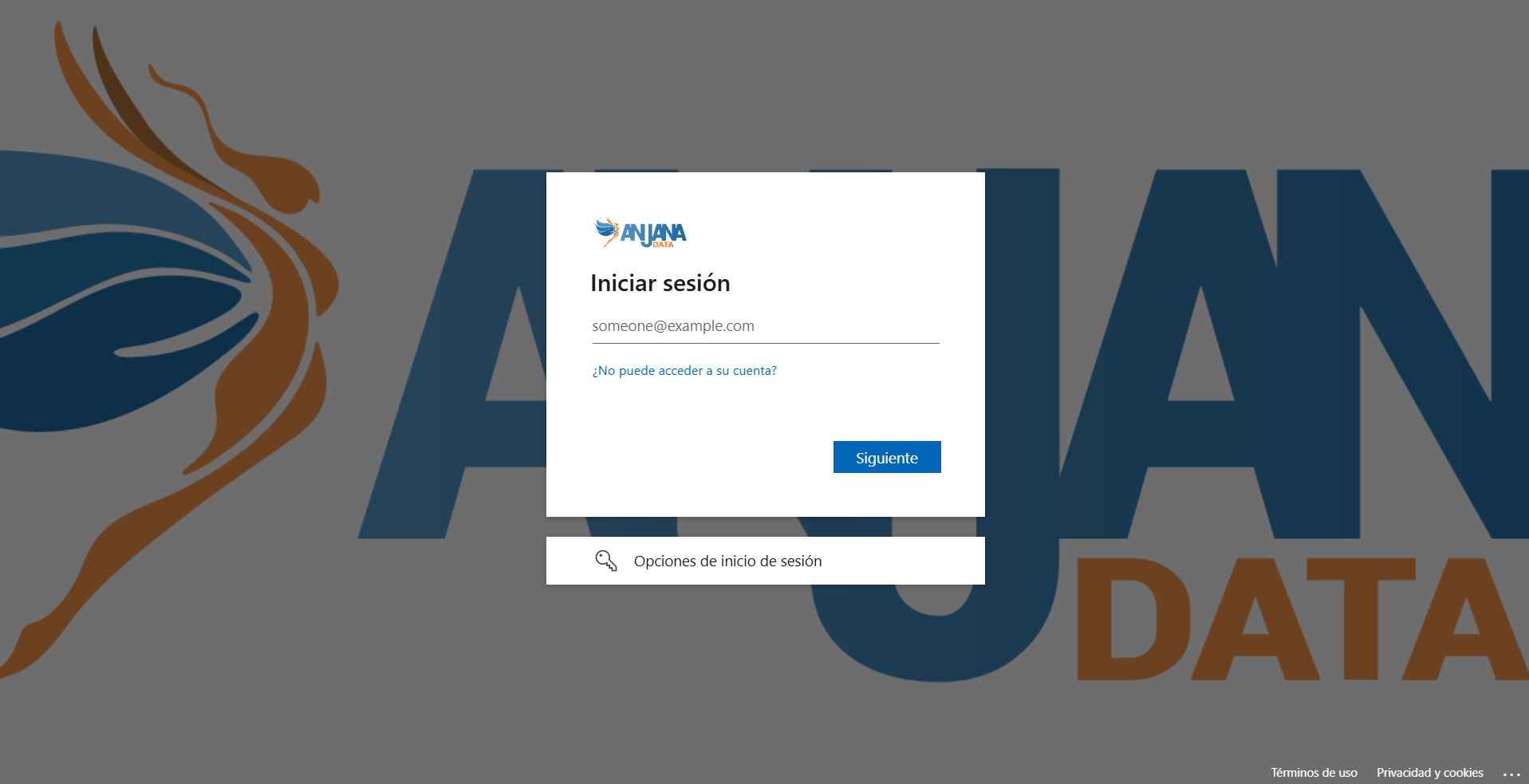
Redirection to the IdP, the platform redirects the user to the provider's authentication form so they can enter their credentials there.
-
Credential request in Anjana Data Platform, in certain configurations credentials are requested on the platform's own login instead of redirecting to the IdP.
-
Direct access via active session, if the user already has an SSO session started with that provider, they access directly without authenticating again.
Once the identity has been verified, the provider returns control to Anjana Data Platform, which starts the user's session on the Portal without requiring any additional information.
Direct access via URL (provider parameter)
When the organization has SSO, it is possible to completely skip the selection screen by directly invoking a provider through the provider parameter in the access URL, specifying its identifier:
<dominio>/login?provider=google
This mechanism allows linking access to the Data Portal from corporate links, internal applications, shortcut icons, or browser bookmarks, so that the user does not need to interact with the login screen.
Common requirement: authorization via role with permissions
Regardless of the method used, authentication only verifies the user's identity. To gain access, the user must also be authorized:
-
Registration in Anjana Data Platform, the user must exist in the platform's database (manual registration or automatic provisioning).
-
Role with permissions, they must have at least one role - which may be the default role - that grants access permission.
If the user authenticates successfully but does not meet these conditions, the platform denies access. The associated error messages are described in "Access issues and error messages".
Access issues and error messages
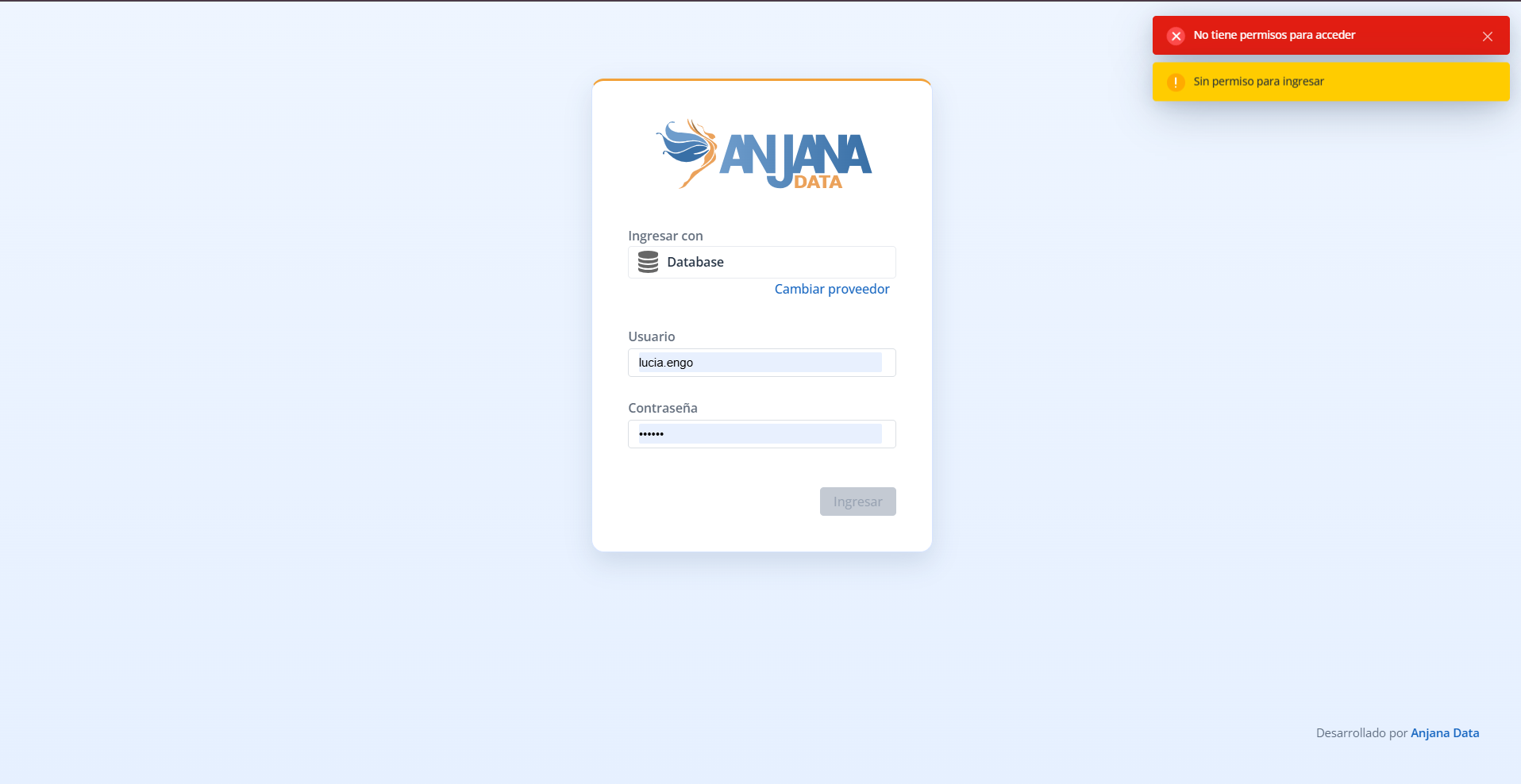
During the access process, Anjana Data Platform may prevent entry and display an error message. For security reasons, the message shown to the user does not reveal the exact origin of the problem
Invalid credentials or no permissions
For security reasons, and to avoid providing useful information to a potential attacker, Anjana Data Platform does not distinguish between an authentication failure (incorrect username or password) and an authorization failure (valid user but without roles or permissions assigned, not even the default role). In both cases, access is denied and the same generic message is displayed:
The credentials are not valid or you do not have permissions.

This avoids revealing whether an account exists and whether the failure is due to the password or the absence of permissions, reducing the information available for user enumeration attacks.
When this message appears, the user should verify that they are entering their credentials correctly for the selected identity provider and, if the problem persists, contact the administrator (see "Recommended procedure").
✏️ New version proposed - pending review by Lucía
Proposed wording to replace the introductory paragraph of "Access issues and error messages" and the two sections that appear just above, without touching them ("Invalid credentials (authentication error)" and "User without permissions (authorization error)"), with a single section containing a generic message, for security reasons. To accept: delete those two original sections, adjust the section's introductory paragraph, and remove this notice. To reject: delete this entire block (up to the divider line).
Generated by documentar-confluence: 2026-06-23T17:26:52
(Proposal for the section's introductory paragraph) During the access process, Anjana Data Platform may prevent entry and display an error message. For security reasons, the message shown to the user does not reveal the exact origin of the problem; license-related issues do have their own message.
Recommended procedure
In any of the above cases - incorrect credentials or absence of permissions - the user must contact the Anjana Data Platform administrator so that they can review:
-
That the user exists in the corresponding identity provider.
-
That the user exists in the platform's database (manual registration or automatic provisioning).
-
That they have the appropriate roles assigned in Anjana Data.
Only the administrator can correct these aspects and ensure that access is possible.
Expired or unverifiable license
In some cases, access to the Data Portal or the Configuration Panel may be blocked due to issues related to the Anjana Data license. This may appear as a message indicating that the license is expired or invalid.

It is important to keep in mind that this message may be due to two different situations:
1. License actually expired
If the license has passed its validity date, the platform will not allow login until the license is renewed.
In this case, the expiration is effective and requires updating the corresponding subscription agreement.
2. Inability to verify the license
Even if the license is valid, the platform may display the expiration message if it fails to communicate with the Anjana Data SL telemetry system, which is responsible for validating the license status.
This may occur due to:
-
Lack of internet connection.
-
Restrictions on the corporate network.
-
Firewalls or proxies blocking communication.
-
Incorrect configuration in the validation endpoints.
When the license cannot be verified, Anjana Data Platform applies a security mechanism that prevents access until connectivity is restored or the blockage is resolved.