
The automatic metadata (or metadata extraction) is a creation method that allows registering objects in Anjana Data Platform from the automatic discovery of the structures existing in a source system. Instead of entering the metadata manually, the platform connects to the source, discovers its structures (tables, fields, views, reports, etc.) and generates in Anjana the corresponding entities or relationships corresponding. It is available to users who have the specific import permission.
How it works
Automatic metadata relies on the integration of Anjana Data Platform with the different technologies of the data ecosystem through a Plugin, the component that connects the platform with a specific technology (Oracle, SQL Server, AWS S3, Denodo, BigQuery, Power Bi, Tableau, etc.). It is usually a Tot Plugin, the family of plugins maintained by Anjana Data SL.
-
Concept and capabilities of plugins: https://wiki.anjanadata.com/es/configuracion/26.1/configuracion-de-los-plugins
-
Catalog and behavior of Tot Plugins: https://wiki.anjanadata.com/es/integraciones/26.1/tot-plugins
A plugin is invoked by selecting a triplet —a set of infrastructure, technology and zone— that tells the platform what functionality it should run and where. Each triplet resolves a specific connection with the source technology. In the case of automatic metadata, the selected triplet enables the metadata extraction functionality and determines the additional functionalities that the object will have (data sample, access permission management, etc).
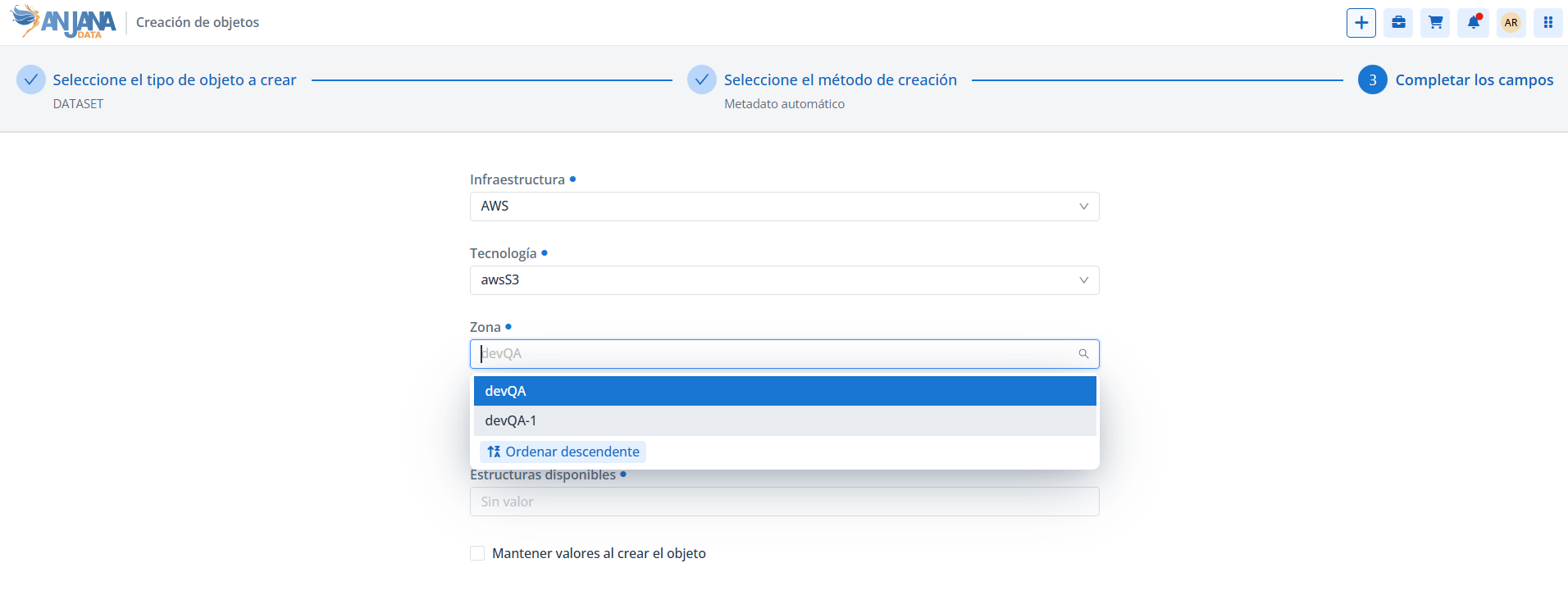
The definition and configuration of triplets, as well as the errors associated with their use (for example, «No plugin exists for extract»), are documented on the page https://wiki.anjanadata.com/es/configuracion/26.1/tripletas .
Prerequisites
-
The user must have the specific permission for creation through automatic metadata. https://wiki.anjanadata.com/es/configuracion/26.1/permisos
-
The template of the subtype to be imported must have the infrastructure, technology, zone and path attributes configured.
-
The corresponding Plugin must be deployed, running, and its triplet configured for the extraction functionality.
Creation process
-
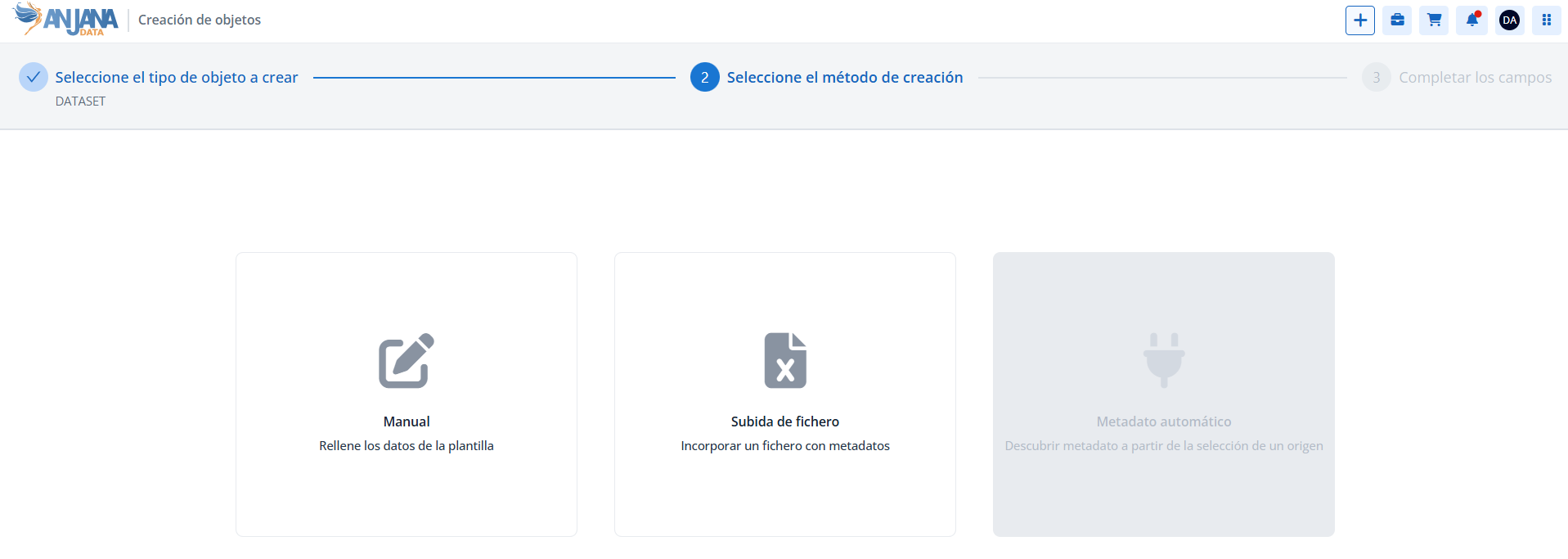
In the creation Wizard, select the subtype and the automatic metadata method.
-
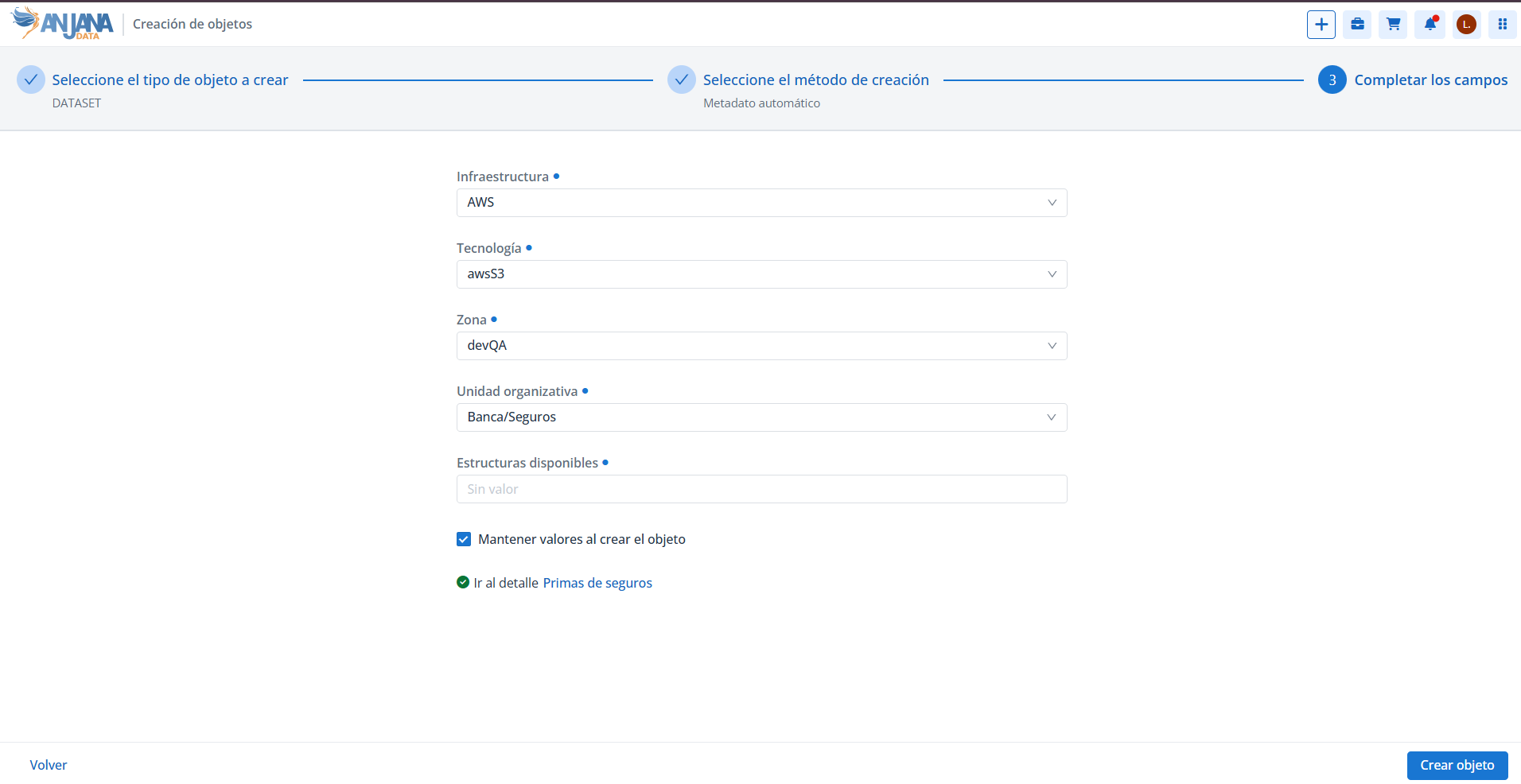
Provide the connection attributes to the source (through the corresponding triplet) and the organizational unit in which the objects will be registered.
-
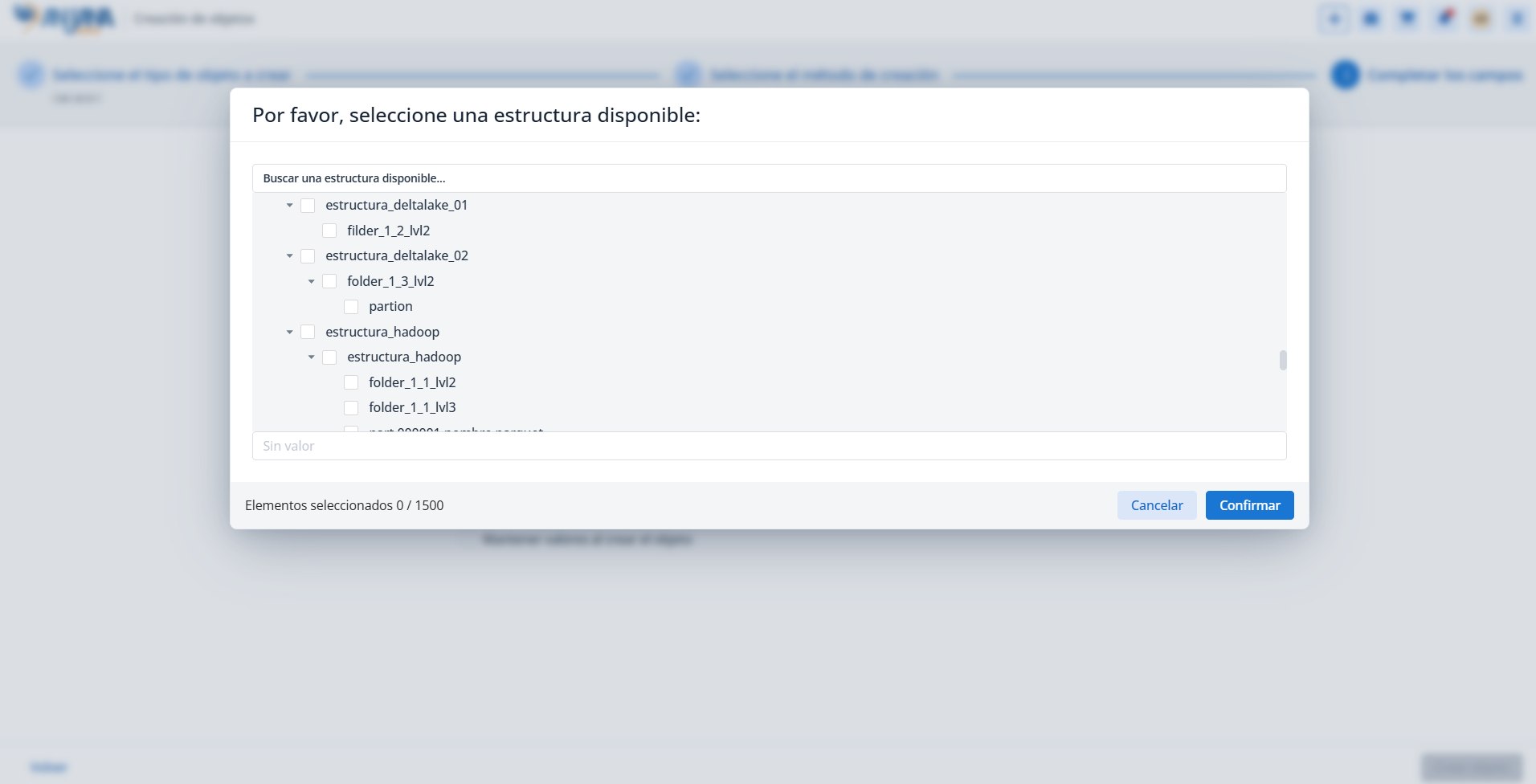
Select, among the available structures discovered in the source, those to be registered in Anjana.
-
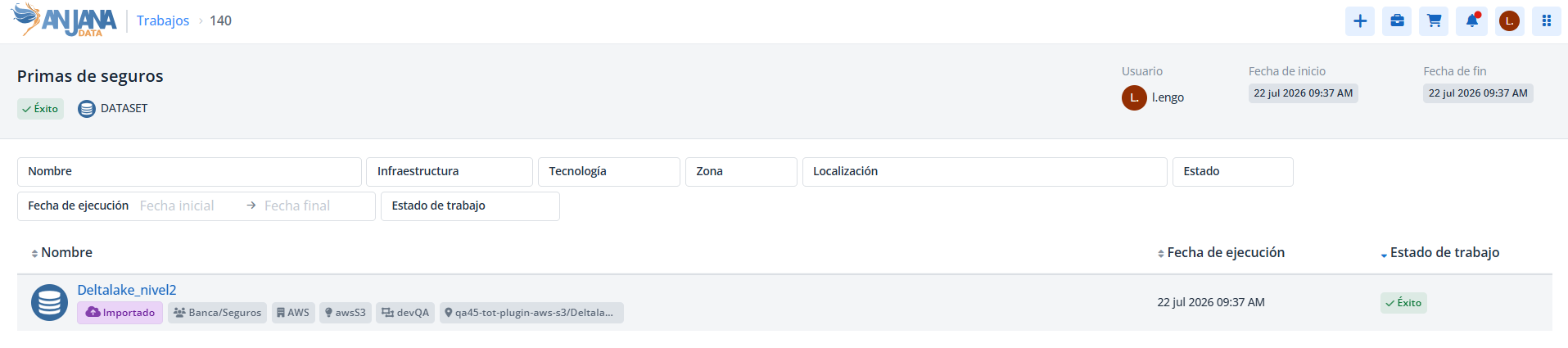
Choose the option to create the objects: an import Job is generated with an auto-generated and editable name.
-
Upon confirmation, a link is shown to navigate to the Job detail, from which the status and result of the import can be tracked.
Import tracking is done from the Jobs module. It is detailed on the page https://wiki.anjanadata.com/es/funcional/26.1/trabajos .
Anjana Data Platform is able to retrieve metadata from different technologies and data platforms, a set that is continuously expanded according to the product roadmap. To find out the technologies available in each version, it is advisable to consult the corresponding technical documentation.
Imported status
After importing with automatic metadata, the object remains in Imported status, similar to Draft but with the particularity that some PK attribute may remain incomplete if it could not be retrieved from the source system.
-
In this status it is possible to edit the name (
nameattribute) of the object (without needing to use the renaming functionality), in order to assign a logical name different from the physical name retrieved from the source environment. -
In the case of a dataset, to edit its name, the names of its
dataset_fieldsmust be edited first, and then the name of the dataset itself. This must be done without touching any other attribute. -
Once the user saves the object for the first time from its form, the object moves to Draft status and its name is no longer editable.
This section is mainly aimed at Data Portal users with creation permissions through automatic metadata —for example, Data Stewards and technical profiles— responsible for incorporating assets discovered in the source systems.